06 / Automation & Integrations
Connect your tools.Reduce manual work.
Your business runs on a patchwork of tools — website, CRM, email, accounting, e-commerce, spreadsheets. When they don't talk to each other, someone re-enters the same data, leads go cold and orders fall through the cracks.
We build integrations and automation workflows that connect your systems reliably: form submissions into CRM, orders into accounting, lead scoring into email sequences. Less manual work, fewer errors, faster follow-up.
- CRM
- APIs
- Ops sync
The problem
When systems don't connect
Manual handoffs between tools create delays, data loss and work that shouldn't require a human clicking copy-paste.
01
Leads fall through the cracks
Website enquiries sit in an inbox until someone remembers to follow up. By then, the prospect has moved on.
02
Data gets re-entered constantly
The same customer information typed into the website form, CRM, spreadsheet and accounting system — wasting hours and introducing errors.
03
Orders don't sync cleanly
E-commerce orders that don't flow into inventory, fulfilment or accounting create reconciliation headaches and delayed shipping.
04
Follow-up depends on memory
No automated sequences for new leads, abandoned carts or post-purchase communication. Revenue left on the table because nobody triggered the next step.
05
Reporting requires manual assembly
Pulling numbers from four tools into a spreadsheet every week instead of a dashboard that updates itself.
06
Tool sprawl with no connective tissue
More subscriptions added to solve individual problems, but nothing talks to anything else. Complexity grows without efficiency.
07
Fragile DIY automations break silently
Zapier zaps set up without documentation or error handling fail quietly — and nobody notices until a customer complains.
What we do
What we automate
Practical integrations that remove manual steps — documented, tested and handed over so your team understands them.
- 01
CRM integrations
Website forms, chat and e-commerce events flowing into HubSpot, GoHighLevel, Salesforce or your CRM with proper field mapping and tagging.
- 02
Lead routing & scoring
Automatic assignment, prioritisation and notification when high-intent leads arrive — based on rules you define.
- 03
E-commerce integrations
Shopify and WooCommerce connected to inventory, accounting, email marketing and fulfilment tools.
- 04
Email & SMS automation
Triggered sequences for welcome, follow-up, abandoned cart, appointment reminders and post-purchase communication.
- 05
Workflow automation (Zapier / Make)
Multi-step automations between SaaS tools — designed with error handling, logging and documentation.
- 06
Custom API integrations
When off-the-shelf connectors don't exist, we build direct API connections between your systems.
- 07
Webhook & event processing
Real-time data flows triggered by events — new orders, form submissions, status changes — processed reliably.
- 08
Data synchronisation
Keeping customer records, product catalogues or inventory levels consistent across platforms.
- 09
Reporting dashboards
Automated data aggregation from multiple sources into a single view — updated without manual exports.
- 10
Notification systems
Slack, email or SMS alerts when important events occur — new leads, failed payments, low inventory.
- 11
Document generation
Automatic creation of invoices, contracts or reports from CRM or order data.
Approach
How we implement automation
01
Map current tools & flows
What systems do you use? Where does data enter, move and exit? We document the as-is state before changing anything.
02
Identify high-impact opportunities
Which manual steps consume the most time or cause the most errors? We prioritise automations by business impact.
03
Design the target workflow
Clear flow diagrams showing triggers, actions, conditions and fallbacks — reviewed with your team before building.
04
Implement & test
Automations built with error handling, logging and test data — verified end to end before going live.
05
Document & hand over
Written documentation of every flow, field mapping and dependency so your team understands and can maintain them.
06
Monitor & refine
Post-launch review of automation performance — adjusting triggers, conditions and notifications based on real usage.
Journey
A connected workflow
01
Website
Visitor submits a form, starts checkout or triggers an event on your site — the starting point for most business automations.
02
Lead capture
Data validated, enriched and routed — tagged by source, service interest or location before entering your systems.
03
CRM
Contact created or updated with full context — ready for sales follow-up, not a bare email address in a list.
04
Pipeline
Deal or opportunity created, assigned to the right person and moved through stages based on defined rules.
05
Email
Automated sequences triggered — welcome, nurture, appointment confirmation or follow-up — without manual sends.
06
Team
Internal notifications via Slack, email or task creation so the right person acts on new leads or orders immediately.
07
Analytics
Events tracked across the full flow — so you can measure conversion from visit to enquiry to closed deal.
Who it's for
Who needs automation
Lead-generating businesses
Professional services, clinics and consultancies where enquiry follow-up speed directly affects conversion.
E-commerce operations
Stores where orders, inventory, accounting and email marketing need to stay in sync as volume grows.
Multi-tool teams
Businesses running CRM, email, accounting and project tools that should share data but currently don't.
Growing service businesses
Teams spending hours on admin that could be automated — freeing time for client work and growth.
Technology
Platforms & tools
We work with the automation and CRM platforms your business already uses — or recommend the right ones during discovery.
- HubSpot
- GoHighLevel
- Zapier
- Make
- Shopify
- WooCommerce
- Node.js
Related work
Projects in this space
SaaS Product Website
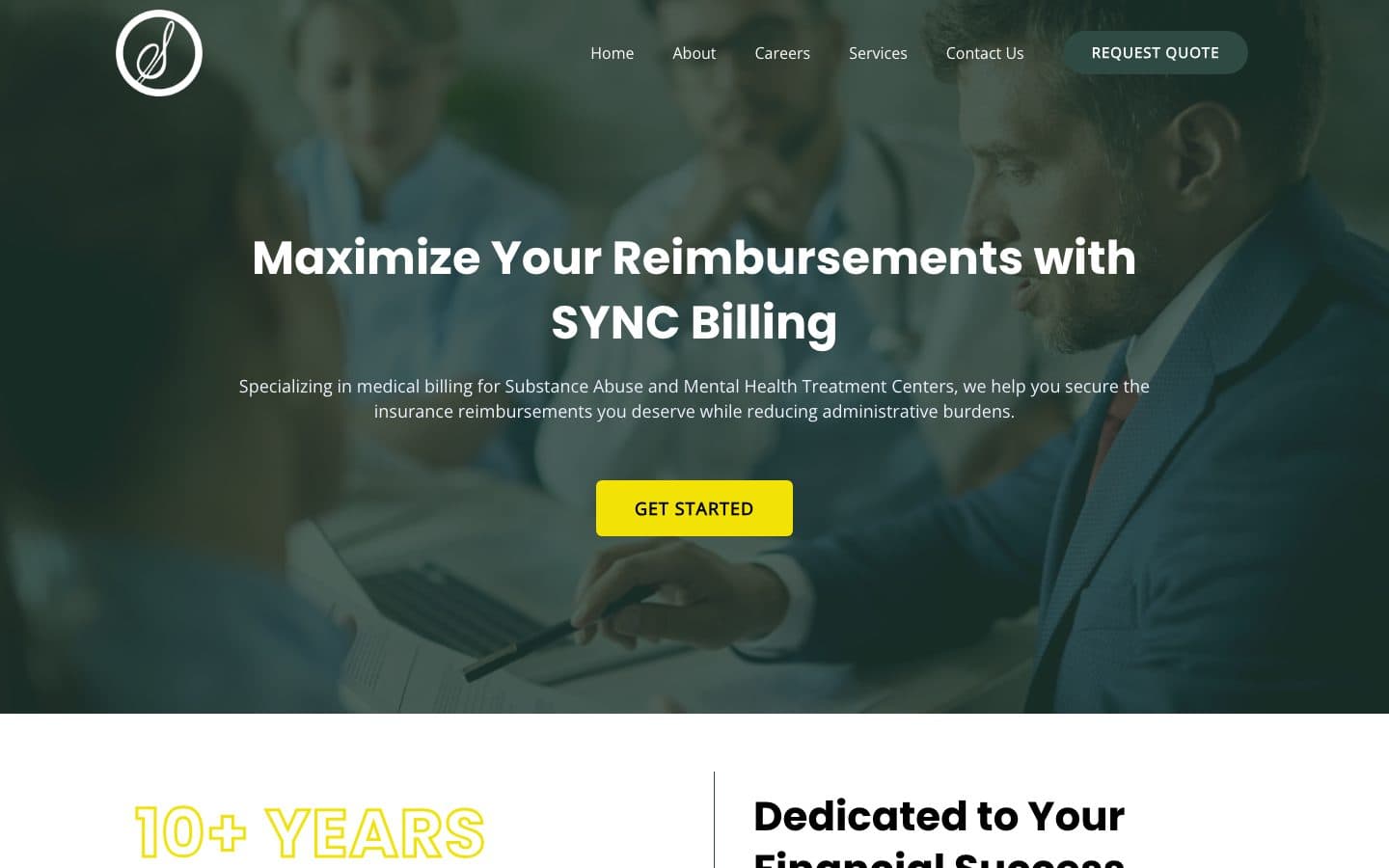
SyncBilling
Product website for a billing platform — positioning, feature clarity and conversion toward product trials or demos.
VIEW CASE STUDY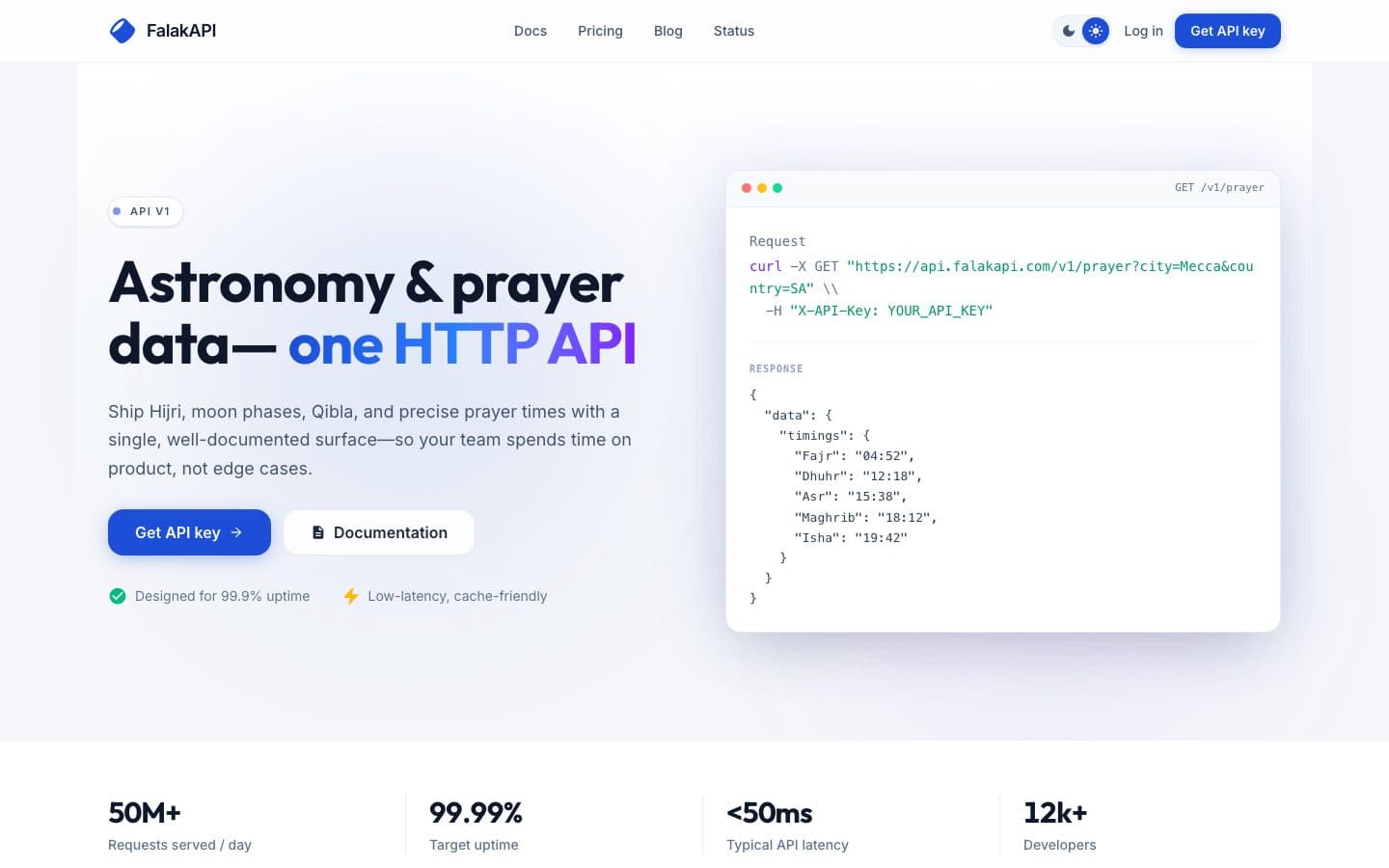
SaaS Product Website
FalakAPI
Product site for an Islamic astronomy API — prayer times, Hijri calendar, Qibla and moon data with clear developer positioning.
VIEW CASE STUDYFAQ
Common questions
Let's build something
Stop re-entering the same data.
Tell us what tools you're using and where the manual work happens — we'll map the highest-impact automations first.